
Facial Recognition and Keyword Tagging in Photo Apps


I chanced upon a new photo app, Iris Photos for macOS, on Mastodon. It's intended to simply view the loose photos on your hard disk. You can link it to Apple's Photos library, but I preferred to test it out on my photos backup, which I store on my external HDD. I love that it's a read-only, or rather, view-only app, and no editing features are included or expected.
It's a beautifully designed Mac-assed app that displays the photos in a grid. It reads the locations embedded in your photos and displays them on a map. More importantly, it recognizes faces you can save as people and uses built-in ML to identify those faces in other photos, and it does the same with tags based on content. This auto facial and keyword tagging allows you to now quickly search through your library, similarly to how the default Photos app does.
One nifty feature is that you can add a birthdate for the people you tag, and if the photo is timestamped, it will tell you how old they were when the photo was taken. You can view the photo in full, open it in Finder, or share it via the macOS sharesheet. The sidebar has everything you need to get to the photos you want: types (images, videos, screenshots, etc.), People, Source folders, dates, and locations.
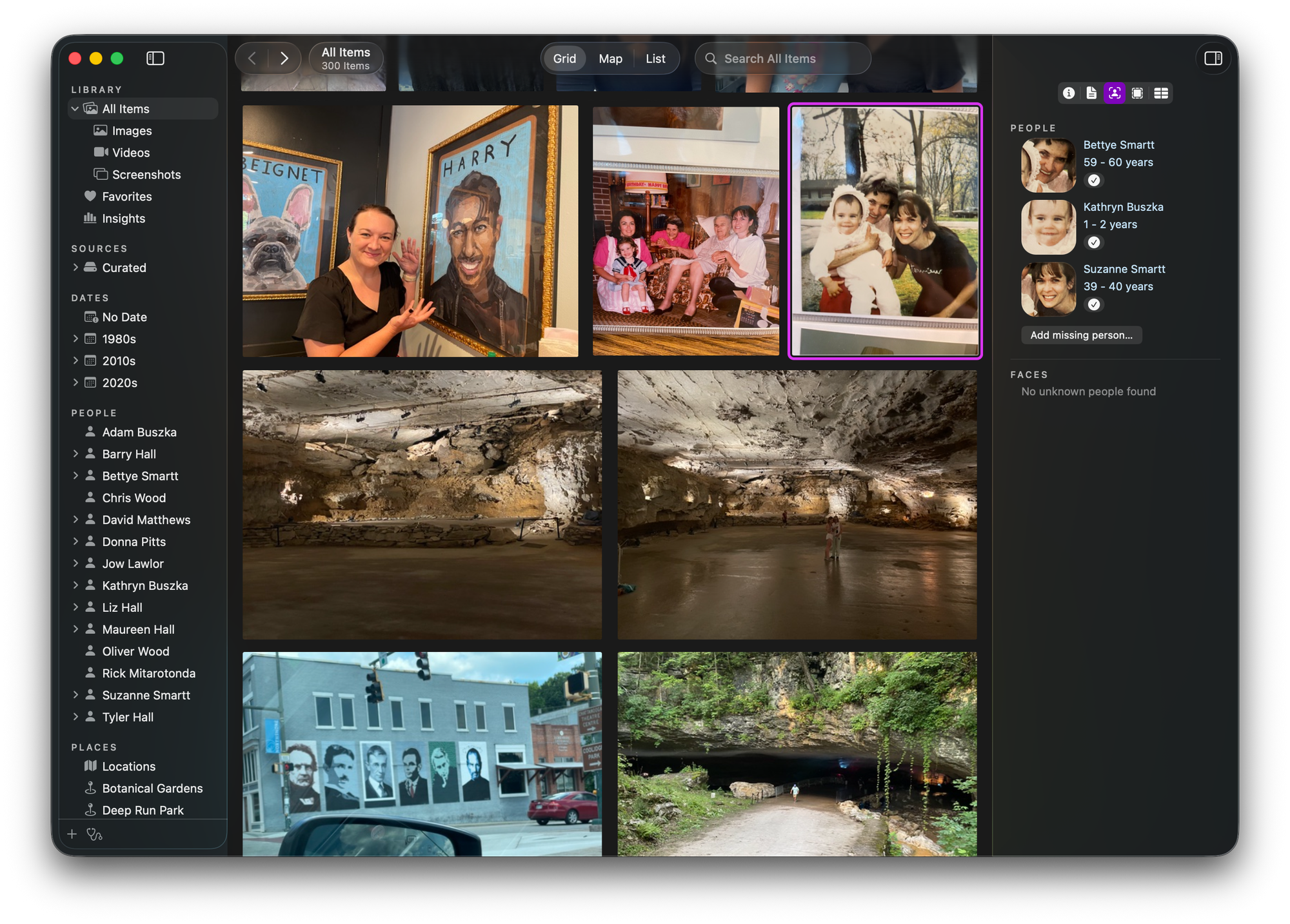
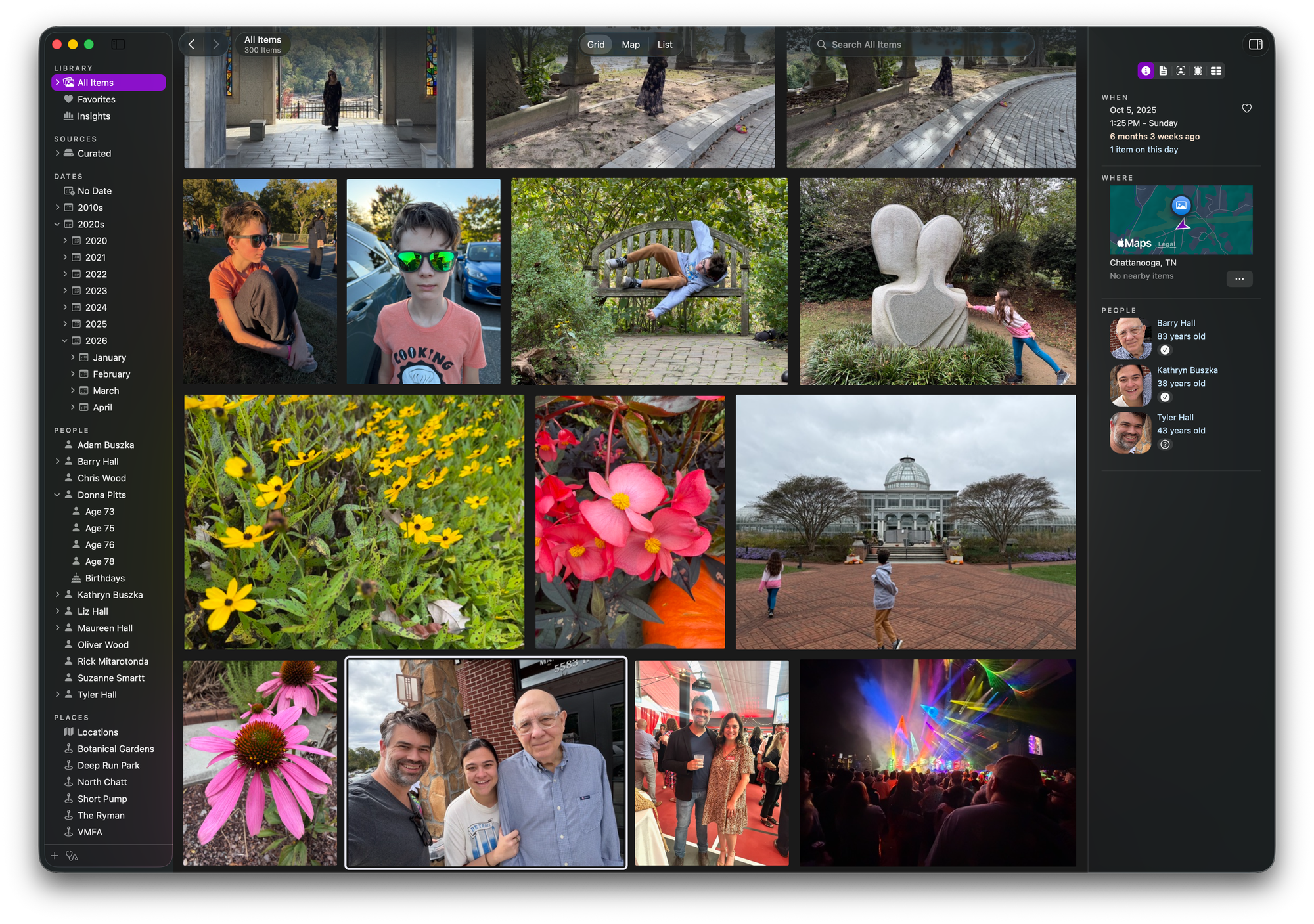
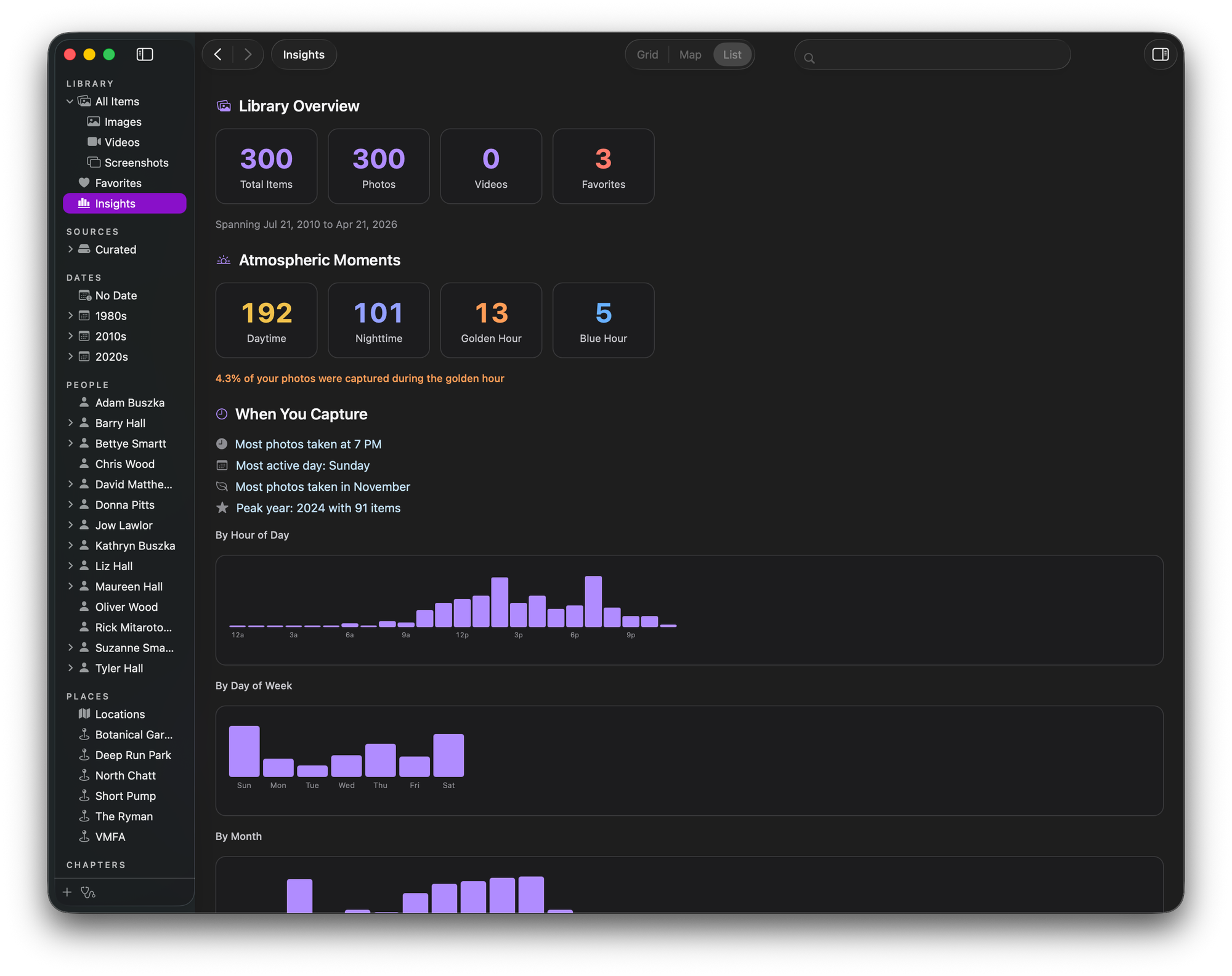
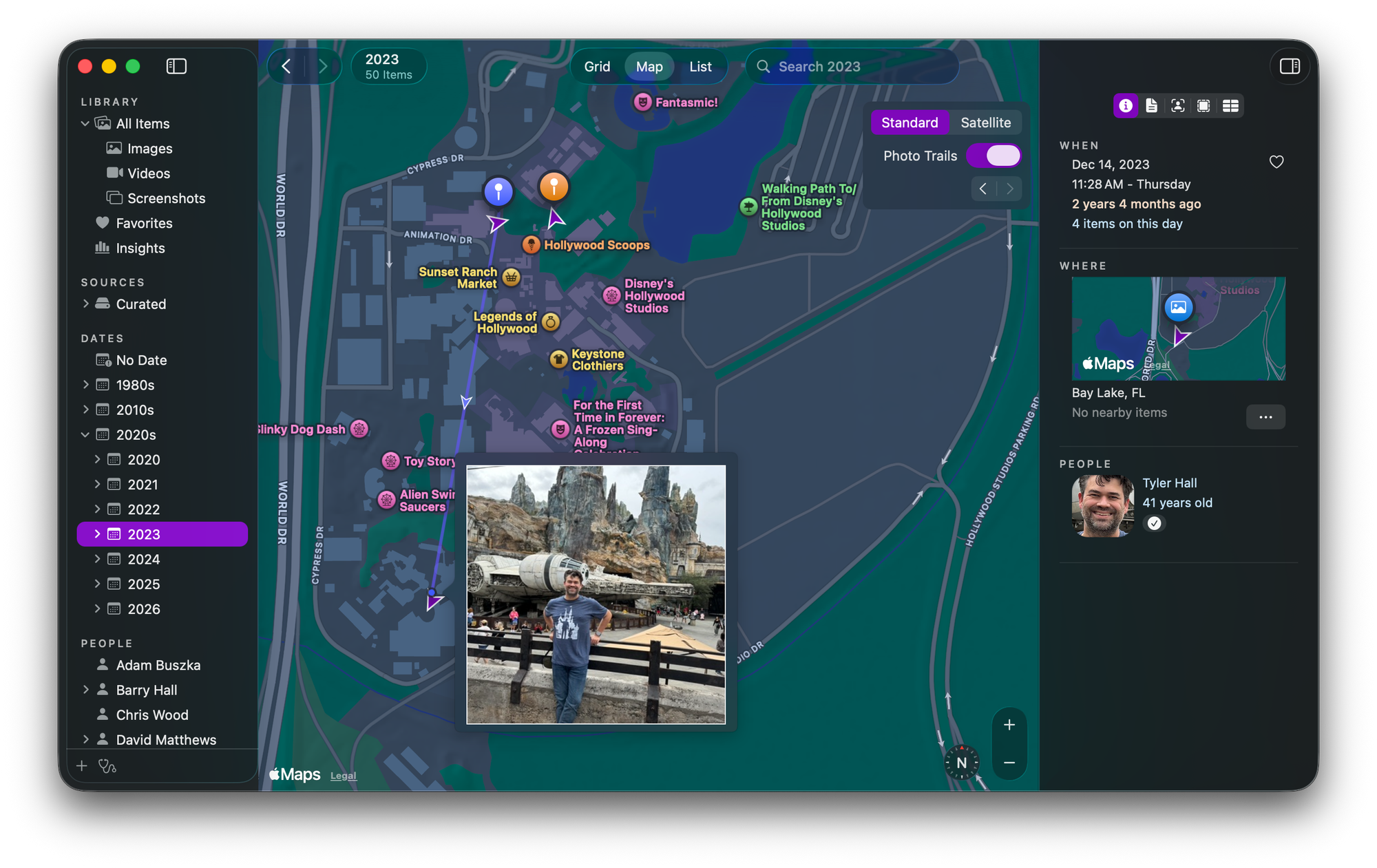
Not my photos. From the presskit.
One of the more distinctive features of this app is its built-in MCP server, which is now almost table stakes for any app that handles large amounts of data. I was able to plug it into Claude and ask prompts as you normally would. It's read-only and doesn't share your photos with Claude, but merely reads the underlying metadata, including people's names and tags, so you can leverage Claude to ask how many sunset photos person X is featured in and who else is in those photos. There is a more detailed filter items feature within the app where you can nest various metadata, including the usual photography items, location, people, and time of day (day or night, golden hour, blue hour, etc.)
But it's still an app in development, although version 1.0 is out. I already bought a license and have been sending bug reports and minor feature updates to the developer, who has been kind enough to listen and give clues about future items on the roadmap.
A few limitations that I hope will be fixed in future releases. You cannot mass-edit photos to tag people or keywords. The facial recognition ML is not quite there yet, and there are plenty of errors where it misrecognizes people as others that you have to manually fix, and strangely, its initial face tagging is over-aggressive for some people. I have tons of photos, so I would rather wait for a bulk tagging feature. Likewise, with the keyword tag. There are plenty of "timepiece" and "smoking item" tags, although nothing in the photos suggests they contain them. Also, I understand this is a non-editing app, but I would love to open a selected photo in a photo-editing app or at least in Preview. There are other minor bugs, such as it not refreshing the view even after you have deleted the photos. You have to restart the app for the changes to take effect, and even then, you will see an empty thumbnail placeholder for the deleted photo.
Intrigued by local AI/ML-enabled facial recognition and keyword tagging, I scrounged around for other similar apps and chanced upon Excire Foto. Its AI/ML is much more capable and accurate for both people and keywords; you can mass-edit tags and people, and you can search for photos that aren't tagged yet to backfill information. But it's an ugly-ass app like one of those older-looking Mac apps or very Lightroom-like, and doesn't come with an MCP server, which now I find valuable and insightful with Iris. Also, it's more expensive at $99, although I'm getting a $20 discount right now, but I haven't decided.
If only Iris adds some of those features I want, I wouldn't look for anything more. But both are excellent; local and non-subscription apps.
Member discussion